Asking questions with AI
Asking a question about a report's data in plain English, and judging whether to trust the answer.
Who this is for: anyone whose administrator has enabled AI for them, on a report where AI chat has been switched on.
Opening the panel
- Open the report.
- Select Ask AI about this report.
- Type into Ask a question about this report… and select Send question.
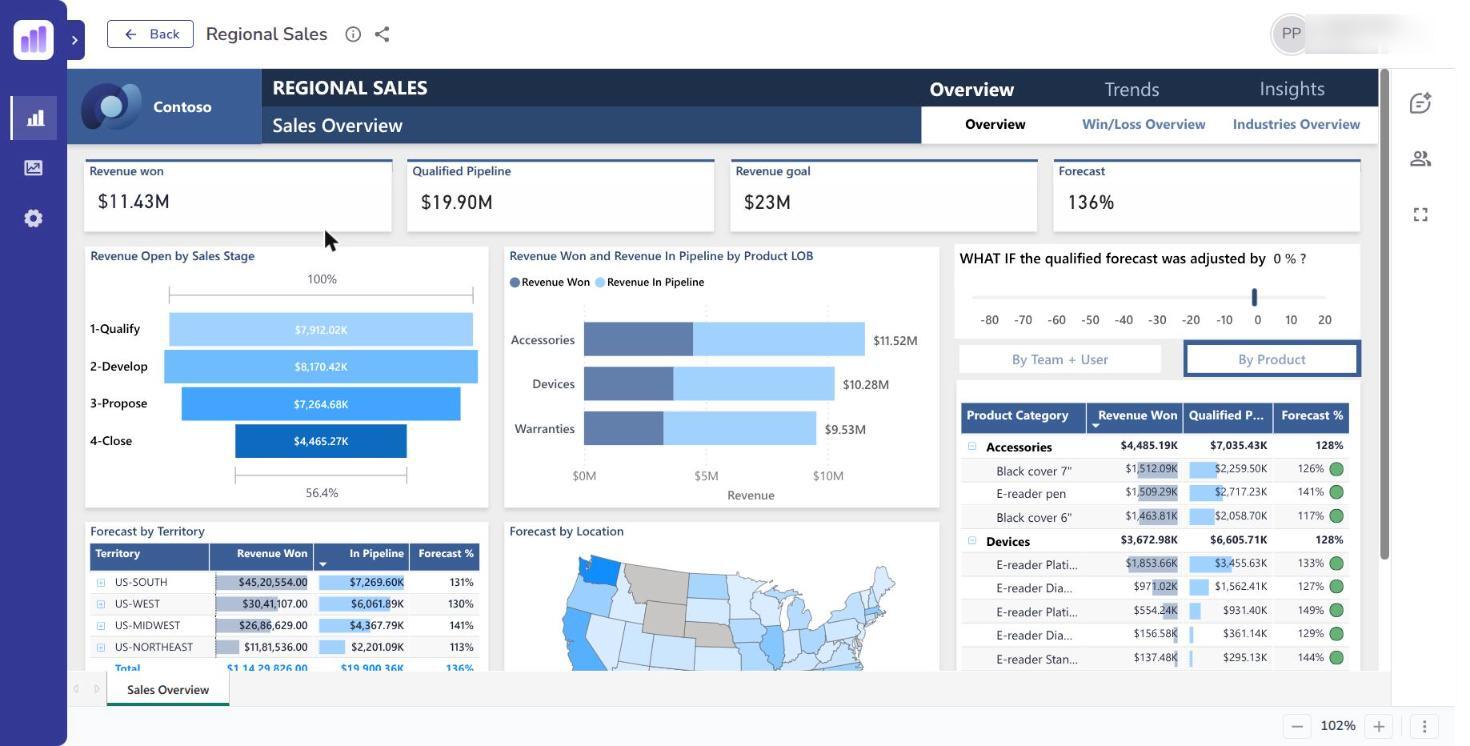
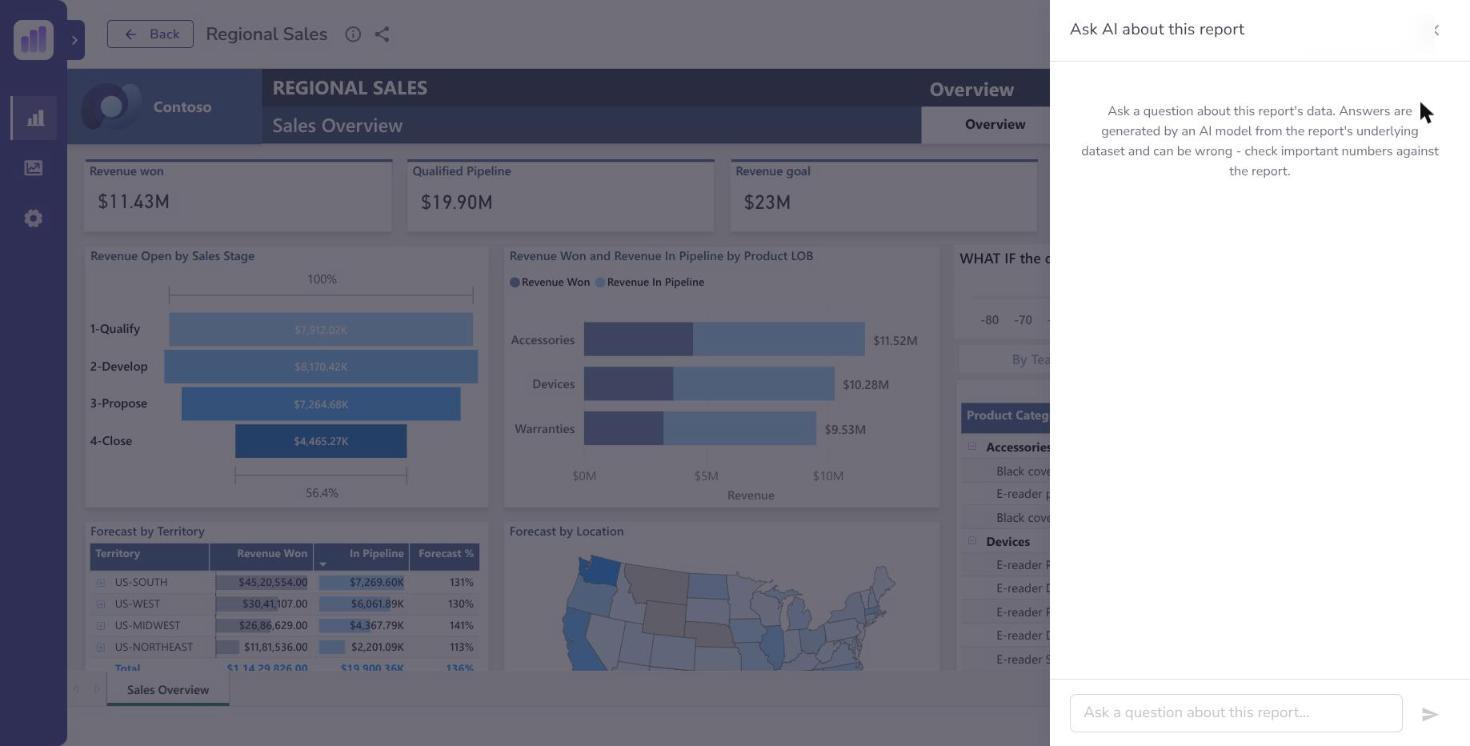
If you do not see the button, AI is not available to you on that report. Three things all have to be true: AI is enabled for you personally, AI chat is switched on for that report, and you can already view the report. Ask your administrator which one is missing.
AI chat is never available on a report with row-level security, the kind that shows different people different rows. The chat cannot keep its answers inside your rows, so it is refused on those reports outright. See Row-level security.
What to ask
The AI answers questions about the data behind the report you have open. It works best on questions about figures the report already covers:
- "What were total sales in the last quarter?"
- "Which region grew fastest year on year?"
- "How many orders were above £10,000 last month?"
It is not a general assistant. It cannot answer about other reports, and it has no knowledge of your organisation beyond the data in the report you are looking at.
Where a question cannot be answered you will see Answer not available rather than a guess. That is the system working correctly.
Check the answer: Show the Query
Every answer comes with a Show the Query link. Select it and you see the actual query that was run against the data to produce the number.
Use it. It is the only way to tell the difference between a right answer and a confident-sounding wrong one.
Specifically, check that the query filtered the period you meant, and that it counted the thing you meant. "Sales last quarter" is ambiguous — calendar or fiscal — and the query shows you which it chose. Hide the Query collapses it again.
The AI generates a query from your words, and it can generate a plausible query that answers a subtly different question from the one you asked. The answer will still be phrased with confidence.
Treat AI answers as a fast way to explore, not as a source for a figure you are about to put in a board pack, send to a client, or file with a regulator. Before a number leaves the building, confirm it against the report itself.
Why answers can differ from the report
If a figure from the chat does not match what you see on the page, the usual reasons are:
- The report page has filters applied that the question did not include. The chat queries the underlying data, not your current on-screen view.
- The question was read differently than you meant it. Check Show the Query.
- Different date boundaries — month-to-date against full month, calendar against fiscal.
The report is the authority. Where they disagree, the report wins.
What the AI can see
The AI queries the data behind the report you have open, and only reports you already have access to. Asking a question cannot show you data from a report you have not been granted — the same access check applies to the chat as to the report.
Privacy and cost
Questions are processed by an AI service and are recorded. Do not paste anything into the question box you would not put in a work email.
AI chat costs your organisation money per question, which is why it is granted per person rather than switched on for everyone. Administrators can see usage and set caps.
AI chat is an add-on rather than a core part of ReportMesh. Everything else in this guide works whether or not your organisation has switched it on.